

A few years ago, I stumbled upon a Chrome extension called EmailThis. It was love at first sight. The solution was sleek, clever, and — honestly — pretty “sexy.”
It allowed me to save interesting articles directly to my inbox so I could catch up on my reading during my daily commute.
It quickly became one of my must-have tools.
The Problem
One day, the magic stopped. EmailThis just… quit working. I felt totally let down.
After digging through the user reviews, the truth came out: the developer had ghosted the project, leaving a community of loyal users in the lurch.
The Solution: Email to Me
Instead of just complaining, I decided to build the replacement I wanted to see in the world. I call it Email to Me.
It keeps the spirit of the original tool alive but adds the reliability you need. Here is what you can do with it:
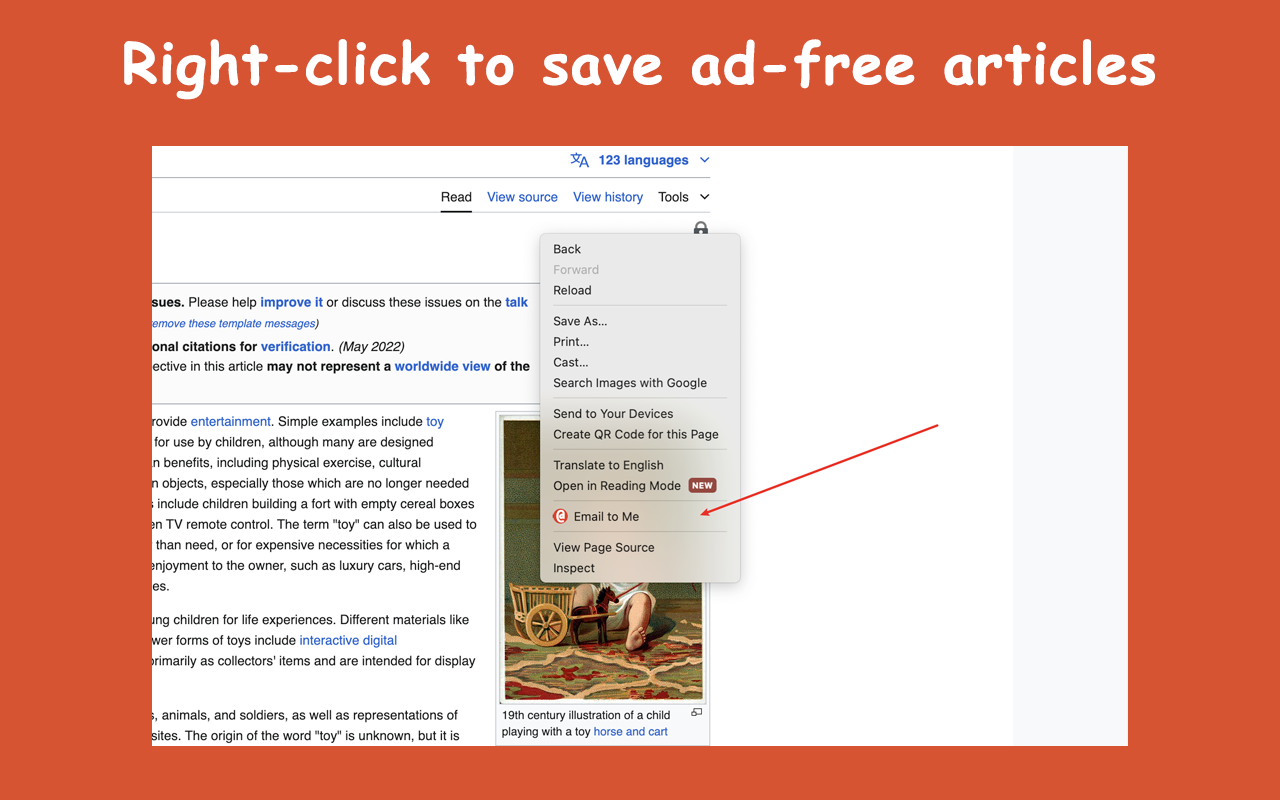
- Clean Reading: Right-Click to save ad-free articles.
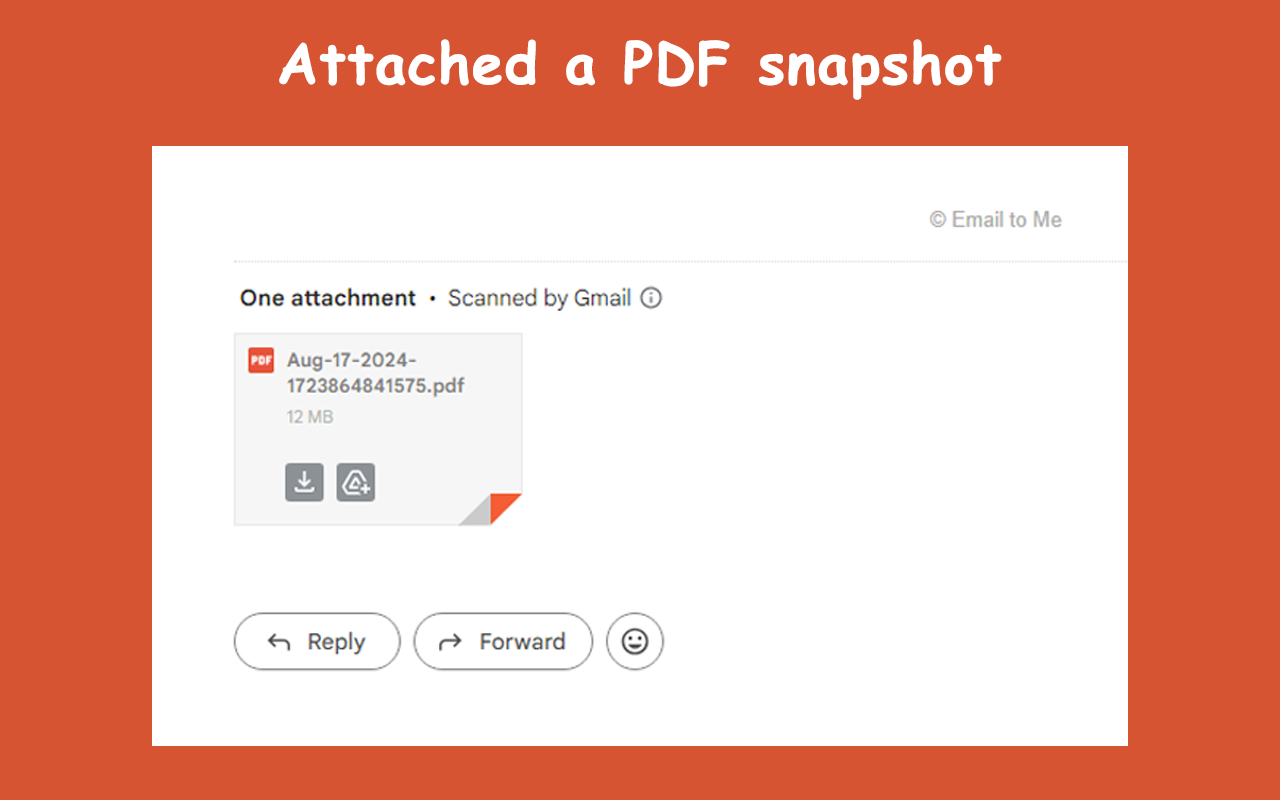
- PDF Support: PDF files and other documents will be automatically downloaded and emailed as attachments.
- Personal Touch: Write some notes before saving the article to yourself.
- Easy Sharing: Quickly send great finds to your friends.
Give it a try!
If you’ve been looking for a simple way to clear your tabs and actually read what you save, you can find it here: Email to Me on the Chrome Web Store
